
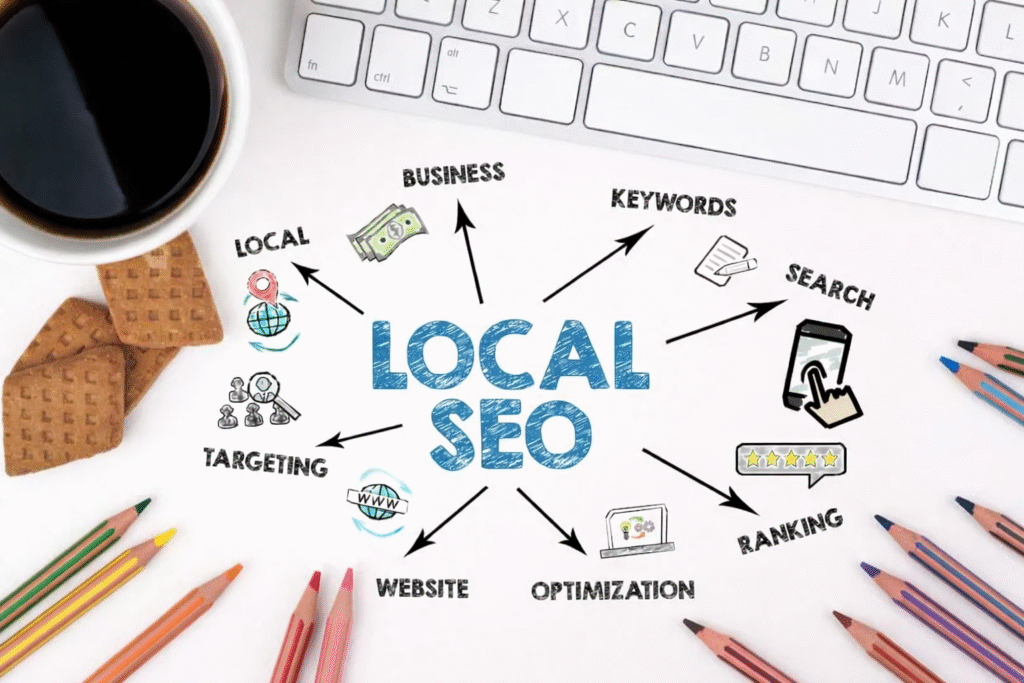
Think SEO is only for the Amazons and Walmarts of the world? Think again.
Search engine optimization (SEO) is one of the most powerful (and cost-effective) ways for small businesses to show up online—especially when you serve a local audience.
The good news? You don’t need a team of experts or a huge budget to get started. A few smart moves can make your website work harder for you, not just sit there looking pretty.
Here’s how to build an SEO foundation that brings local customers straight to your (digital) doorstep.
What is Local SEO, Exactly?
Local SEO is all about helping people in your area find your business when they need it.
Imagine someone searches:
- “Dog groomer in Walnut Creek”
- “Best brunch Danville”
- “Nonprofit marketing help East Bay”
If you’ve optimized your website for local search, you have a shot at being their solution. If not, you may never even show up.
5 Simple Ways to Improve Your Local SEO
1. Get Your Google Business Profile in Order
This is non-negotiable.
Claim (or create) your Google Business Profile, then:
- Fill out every section: hours, contact info, photos, services
- Keep info up to date
- Add relevant keywords to your description
- Post regular updates
- Ask customers for reviews—and reply to them
This one step can dramatically improve your visibility in Google Maps and local results.
2. Use Location-Based Keywords on Your Website
Not just “graphic designer” — try:
- “Graphic designer in the East Bay”
- “Nonprofit branding services Danville”
- “Bay Area social media management”
Update your:
- Homepage
- Page titles and meta descriptions
- Service pages
- Blog content
Think about what your customers actually type into Google—and use those phrases naturally throughout your site.
3. Write for People First, Google Second
Don’t stuff keywords everywhere. Instead, focus on creating helpful, easy-to-read content that answers the real questions your audience is asking.
A blog post like:
“How to Pick the Right Logo Package for Your Nonprofit”
…is a win-win. It gives value and helps with SEO.
Bonus: You position yourself as the expert—which helps build trust before they contact you.
4. Make Sure Your Website Is Mobile-Friendly and Fast
Google prioritizes websites that:
- Load quickly (especially on mobile)
- Are easy to navigate
- Don’t have broken links or clunky formatting
You don’t need to be a developer to make improvements. A site audit can flag major issues—and most platforms (like Squarespace or Wix) have built-in tools to help.
60%+ of searches now happen on mobile. If your site isn’t responsive, you’re missing out.
Be Consistent with Your Name, Address, and Phone (NAP)
Wherever your business is listed online—Yelp, Chamber websites, Facebook, etc.—make sure your business name, address, and phone number match exactly.
Inconsistent listings can confuse Google and hurt your rankings.
Tip: Tools like Moz Local or BrightLocal can help manage listings automatically, or you can manually check your top profiles quarterly.
Why It Matters
Local SEO isn’t just about more traffic—it’s about the right traffic.
Your ideal customer is out there searching. The question is: Will they find you, or your competitor?
You don’t need to be perfect. You just need to start showing up.
What KSM Clients Say
“We were invisible online. After Kaysi’s team helped optimize our site and Google profile, we had more walk-ins and inquiries than ever.”
– Local Retail Owner, Livermore
“We didn’t even realize how much SEO was affecting our visibility until we saw the traffic jump. Our bookings went up 3x in a month.”
– Small Business Client, Walnut Creek
Need Help Getting Found Online?
At Kaysi Stanley Marketing, we help small businesses and nonprofits in the Bay Area:
✅ Improve their local SEO
✅ Build search-friendly websites
✅ Craft content that drives traffic and trust
Let’s make your website work—not just exist. Book a free discovery call